

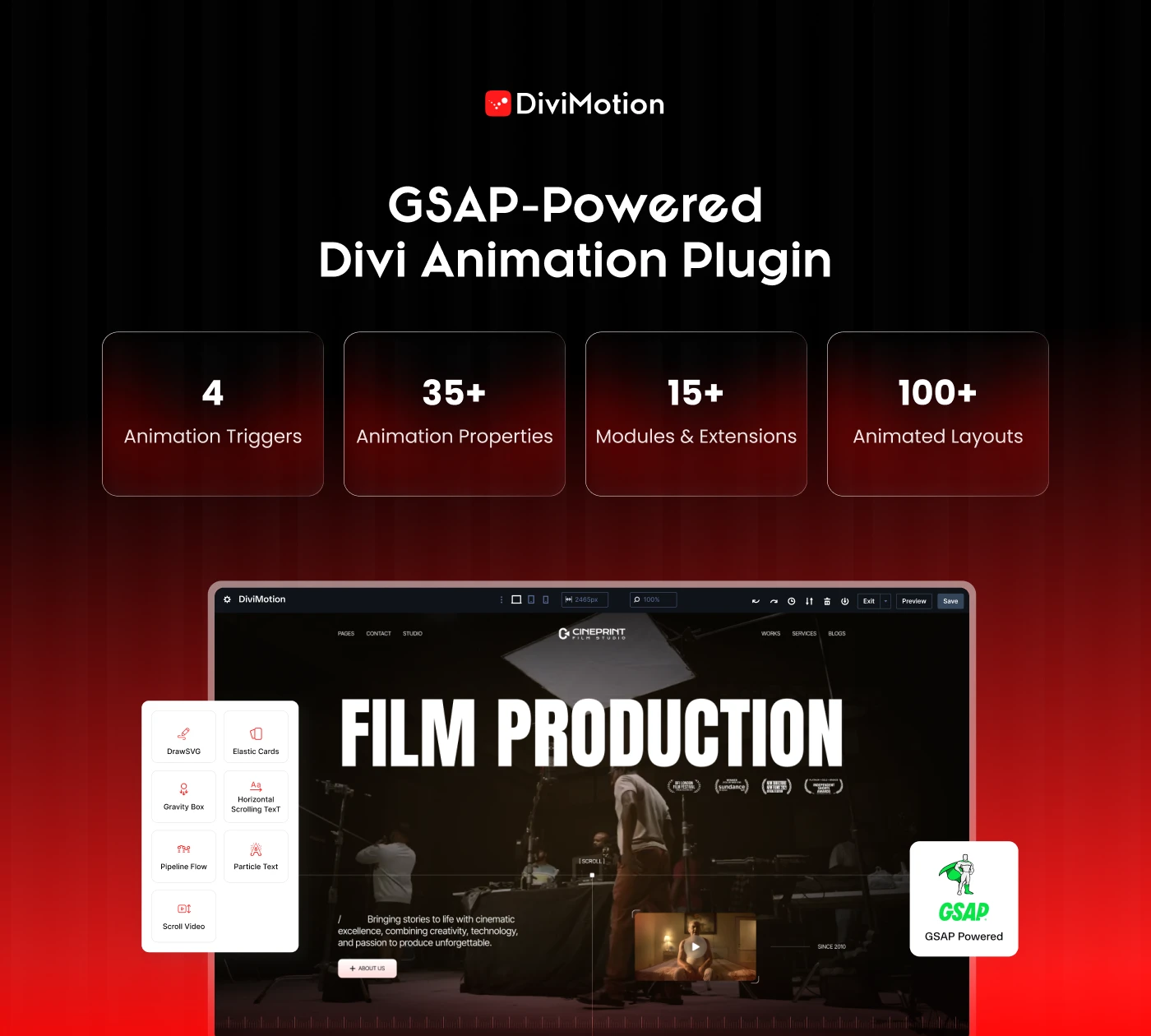
Ready-made animation modules and extensions for Divi 5
Modules add animated content to your page. Extensions add effects that work across sections or the whole page. You get both on every plan.
Particle Text
Headlines that form from, or break into, animated particles.
Scroll Video
Play a video in step with the visitor's scroll.
DrawSVG
Draw SVG paths and illustrations as they come into view.
Animated Process Flow
Animate the links between steps so readers follow the process.
Gravity Box
Elements that fall, bounce and settle with real physics.
Elastic Cards
Cards that stretch and spring back as visitors interact.
Plus Horizontal Scrolling Text, and more on the way.
Browse all modulesDiviMotion needs Divi 5. It is not compatible with Divi 4 or earlier.
Horizontal Scroll
Turn vertical scrolling into a sideways gallery of projects or products.
Card Stack
Stack cards that slide away one by one as visitors scroll.
Card Deck
Spread, shuffle or flip cards like a deck on hover or click.
Preloader
Show a branded loading screen while the page gets ready.
Header Scroll Effects
Shrink, hide or reveal the header based on scroll direction.
Layout Importer
Import a full animated page or section in one click.
DiviMotion needs Divi 5. It is not compatible with Divi 4 or earlier.
Create powerful animations in just 3 steps
Add an interaction
Add an interaction to any section, row or column and choose when it starts: on scroll, hover, click or page load.
Add an action
Add one or more actions to say what happens: fade in, move, scale, rotate or play in sequence.
Fine-tune the motion
Pick what to animate, such as position, opacity, scale or color, and set start and end values.
Animation that keeps your site fast and accessible
Built to stay fast, readable to search engines and compatible as Divi 5 evolves.
Loads only what you use
Scripts load only on pages with animation, so other pages stay light.
Text stays text
Animated text stays real content for search engines and screen readers.
Motion for every screen
Choose what plays on desktop, tablet and phone for each interaction.
Respects reduced motion
Follows each visitor's reduced-motion setting, so motion never blocks access.
Why DiviMotion instead of Divi's default animations?
Divi's built-in animations handle simple entrance and scroll effects well. DiviMotion gives you real control over timing, scroll, sequence and targeting, without leaving the Divi Builder.
| Capability | DiviMotion | Default Divi animations |
|---|---|---|
| Chain animations into a sequence | Unlimited steps on a timeline | One effect per element |
| Animate text letter by letter | Letters, words, lines or particles | Not available |
| Stagger items one after another | From start, center, ends or random | Not available |
| Pin a section while it animates | True scroll pinning | Sticky only |
| Tie any animation to scroll | Custom start and end points | Preset scroll effects |
| Animate one element from another | Any trigger, any target | Show, hide or swap only |
| Fine-tune speed and feel | Full control over properties and easing | Limited duration and easing |
| Start from ready-made motion | Presets and 100+ animated layouts | A few entrance styles |
Questions before you buy
What do I need to use DiviMotion?
Divi 5.0 or later (Divi Theme or Divi Builder plugin). It does not work with Divi 4 or earlier.
Do I need coding knowledge to use DiviMotion?
No. Every animation is built visually in the Divi Builder. Selectors and IDs are there for advanced targeting if you want them.
How is DiviMotion different from Divi's built-in animations?
Divi covers preset entrance animations, basic scroll effects and show/hide interactions. DiviMotion adds scroll-scrubbed motion, pinning, split text, staggered sequences, multi-step timelines and animating any element from any other.
Will using DiviMotion slow down my website?
No. Animation scripts load only on pages that use them, so other pages stay as fast as before.
Do I need a separate GSAP license?
No. DiviMotion includes every GSAP tool it uses, including ScrollTrigger, SplitText, ScrollSmoother and DrawSVG.
Can I use DiviMotion on client websites?
Yes. Personal covers one website; Professional covers unlimited websites, including client projects.
Can I upgrade my license later?
Yes. Upgrade from one site to unlimited, or from yearly to lifetime, at any time and pay only the difference.
What happens if my license expires?
DiviMotion keeps working on your site. An expired license only stops updates and support.
Where do I find my license key and downloads?
Log in to My Account at my.wprio.com/account and open Licenses or Downloads.
What is the refund policy?
Every plan has a 30-day money-back guarantee. Request a full refund within 30 days of purchase.
Don't just design Divi sites, bring them to life
Add scroll, hover, click and page load animation to Divi 5 with no code.
Need more than one plugin?
Divi Onesuite gives you all three Divi plugins under one license, for less than buying them separately.
 DiviFlash
Your Divi Design Co-Pilot
 DiviMotionThis plugin
GSAP-Powered Divi Animation Plugin
 DiviMerc
All-in-One Divi WooCommerce Plugin
All three plugins are made by WPRio
More from WPRio
More Divi and WordPress plugins from WPRio.

DiviMerc
Divi WooCommerce Addons Plugin From$29.40 See plans
Divi Onesuite
DiviFlash. DiviMotion & DiviMerc all in one bundle pack. From$123.50 See plans
DiviFlash
DiviFlash offers unique and awesome Divi modules in one Divi plugin. From$29.40 See plans