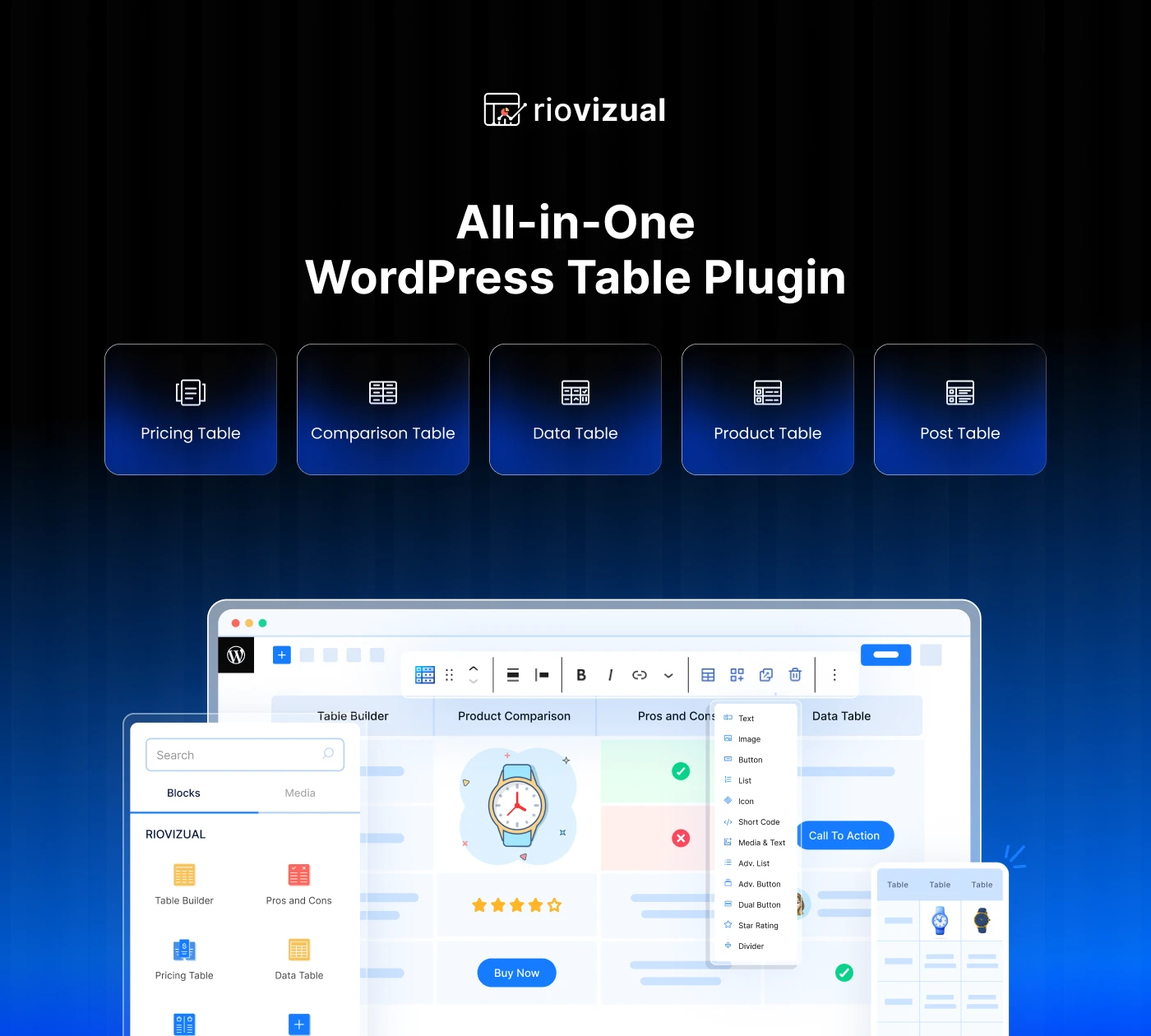
A table block for every job, in one plugin
RioVizual adds a block for every kind of table you need. Pick the one that fits, start from a layout or from scratch, and style it without leaving the WordPress editor.
Table Builder
Build comparison tables and more with drag and drop, no shortcodes or code.
Pricing Table
Pricing tables with toggles, tooltips and ribbons that match your brand.
Pros and Cons
Show the pros and cons of any product or offer, with built-in SEO schema.
Data Table
Show large datasets clearly, with sticky headers that stay readable on phones.
Post Table
Turn your posts into a sortable, filterable table, pulled from your content.
Product Table
List products with images, prices, stock and buy buttons in one view.
Every block is native to the WordPress block editor. No page builder or extra code needed.
Four simple steps to a table in WordPress
Select your table block
Insert the right block from the collection. Each one is purpose-built for a different kind of table, so you start from the closest fit.
Start from scratch or a layout
Pick a ready-made layout to save time, or build your own from an empty table. Every layout is fully editable.
Add your data and customize
Drag elements between cells, add as many rows and columns as you need, and control typography, color, spacing and borders throughout.
Publish in a post or page
When the table looks right, drop it into any post or page with the WordPress editor. It stays responsive wherever it lands.
Simple to build with, fast to load
A complete table plugin that works in the WordPress editor you already use, built to stay fast.
Simple yet powerful
Easy drag and drop with deep features underneath. Move anything between cells.
Performance focused
Lightweight and native to WordPress, with no external code to slow pages down.
SEO friendly
Tables are output as structured, SEO-optimized markup, with schema on the blocks that benefit from it.
Fully responsive
Tables adapt to every screen, so they stay easy to read on phones.
What users say about RioVizual
Ease of use is what reviewers mention most. Read the reviews on WordPress.org →
Just what I was looking for and more. A lot of useful options to create a table just as I wanted.
This might be the best free plugin for creating tables in WordPress. It is easy to use and I would give RioVizual more than 200 stars.
Questions before you buy
Who should use RioVizual?
RioVizual suits bloggers, store owners, affiliate marketers, niche sites and businesses. If a clear table would help your visitors decide, it is for you.
What are the requirements to use RioVizual?
Only a current version of WordPress. RioVizual is an addon for the default WordPress block editor, so the latest WordPress install and a theme are enough to begin with.
Will RioVizual slow down my website?
No. The code is optimized for performance, and because one plugin covers what several would, removing the others usually leaves your site faster than before.
How often is RioVizual updated?
Roughly every two weeks.
Why is RioVizual better than other table plugins?
The features are results and performance focused rather than bloat, it stays reliable release after release, and support comes from the people who build it.
What is the refund policy?
If RioVizual does not meet your expectations, let us know within 30 days of purchase and you get a full refund, no questions asked.
Do I need Divi to use RioVizual?
No. RioVizual works in the standard WordPress block editor, with or without Divi.
Where do I find my license key and downloads?
Log in to My Account at my.wprio.com/account and open Licenses or Downloads.
Start building responsive tables now
Instead of writing custom code, create feature-rich WordPress tables in minutes with the RioVizual block plugin.
Building with Divi too?
Divi OneSuite gives you all three Divi plugins under one license. RioVizual is sold separately.
 DiviFlash
Your Divi Design Co-Pilot
 DiviMotion
GSAP-Powered Divi Animation Plugin
 DiviMerc
All-in-One Divi WooCommerce Plugin
All three plugins are made by WPRio
More from WPRio
More Divi and WordPress plugins from WPRio.

DiviMerc
Divi WooCommerce Addons Plugin From$29.40 See plans
DiviMotion
GSAP-Powered Divi Animation Plugin From$29.40 See plans
Divi Onesuite
DiviFlash. DiviMotion & DiviMerc all in one bundle pack. From$123.50 See plans